
Data Recovery: A Computer Nerd’s Guide to Rescuing Lost Data

Hey there, fellow computer nerds! Have you ever experienced the gut-wrenching feeling of losing important data due to a system crash, accidental deletion, or a virus attack? I know, it’s a nightmare! But fear not, because data recovery is here to save the day. In this blog post, we’ll dive into the world of data recovery, exploring its importance, techniques, and tools that can help you retrieve your precious files. So sit back, grab a cup of coffee, and let’s geek out over data recovery!
Why Data Recovery Matters
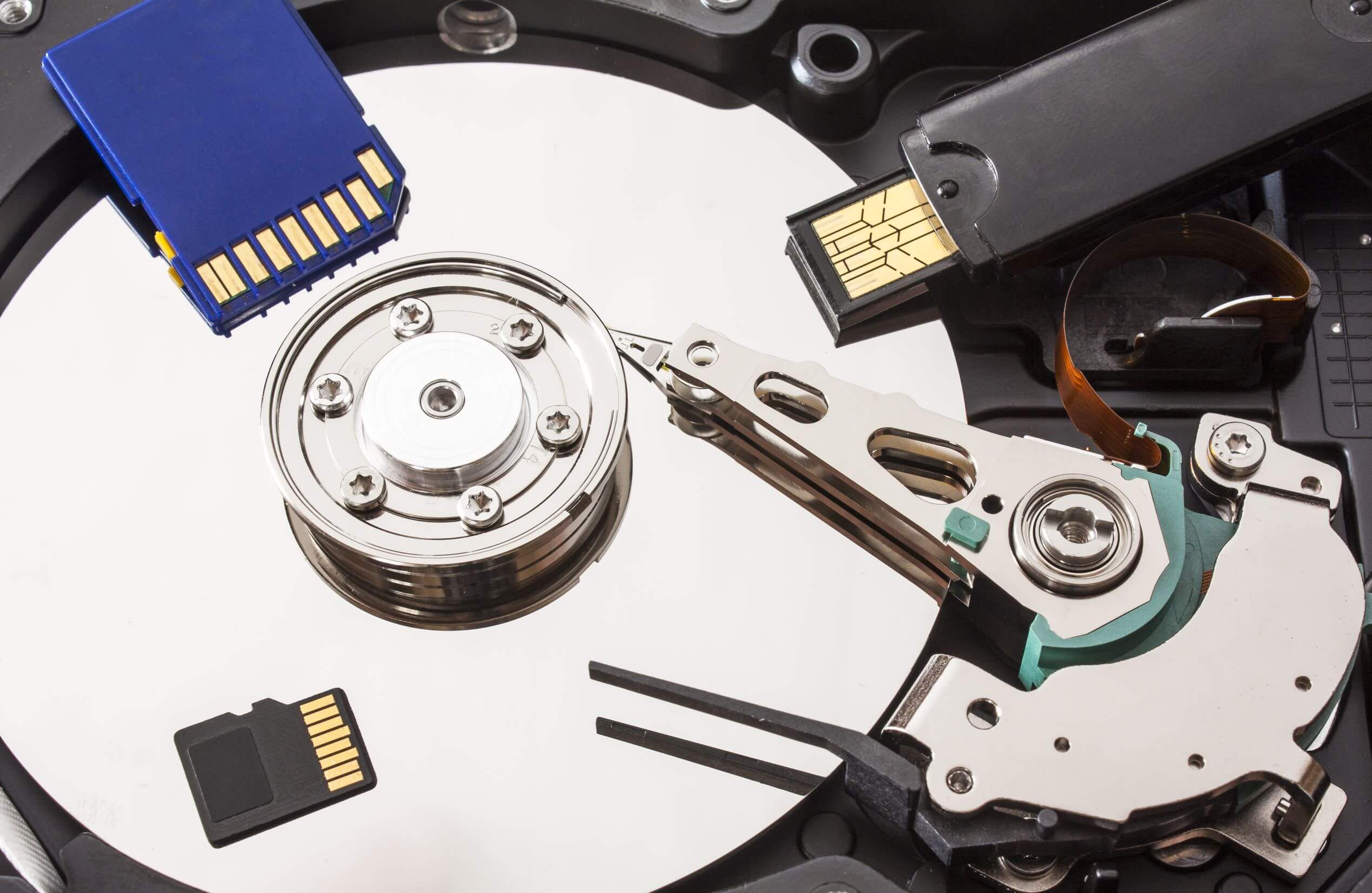
As computer enthusiasts, we often store a ton of important data on our devices – from project files and photos to music playlists and game saves. Losing this data can be devastating, leading to productivity loss, financial implications, and emotional distress. This is where data recovery comes into play. It allows us to retrieve lost, corrupted, or inaccessible data from storage devices such as hard drives, SSDs, USBs, and memory cards.
Techniques for Data Recovery
There are several techniques used in data recovery, each catering to different scenarios and types of data loss. Some common techniques include:
-
Software-Based Recovery: This involves using specialized software to scan storage devices for lost data, recover it, and save it to a new location. Tools like Recuva, EaseUS Data Recovery Wizard, and Disk Drill are popular choices for software-based recovery.
-
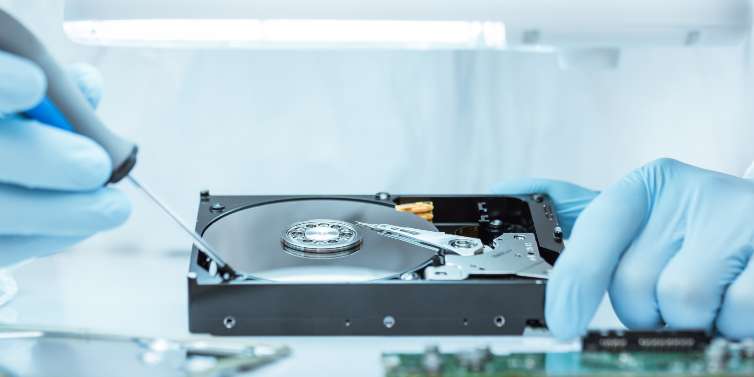
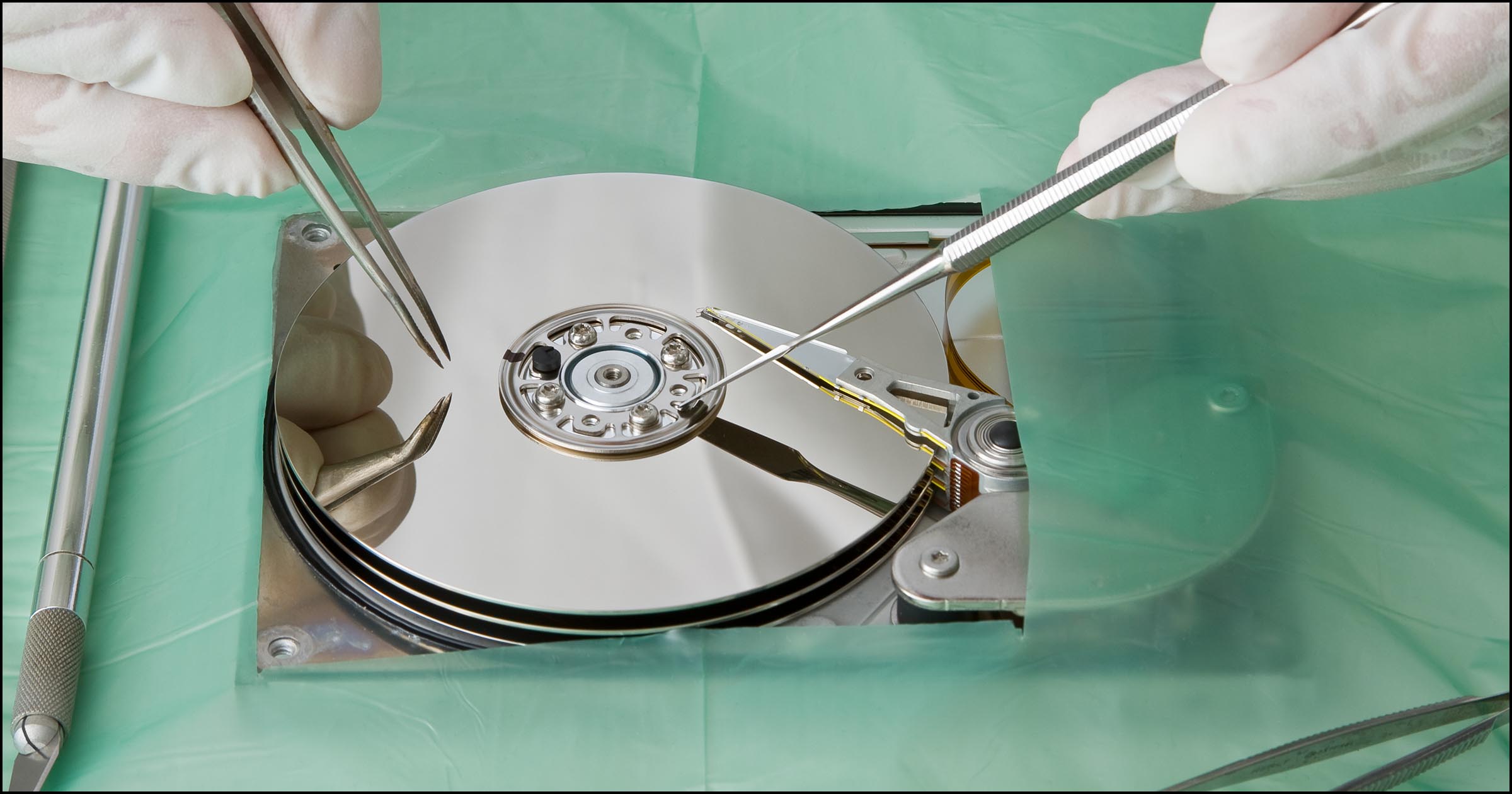
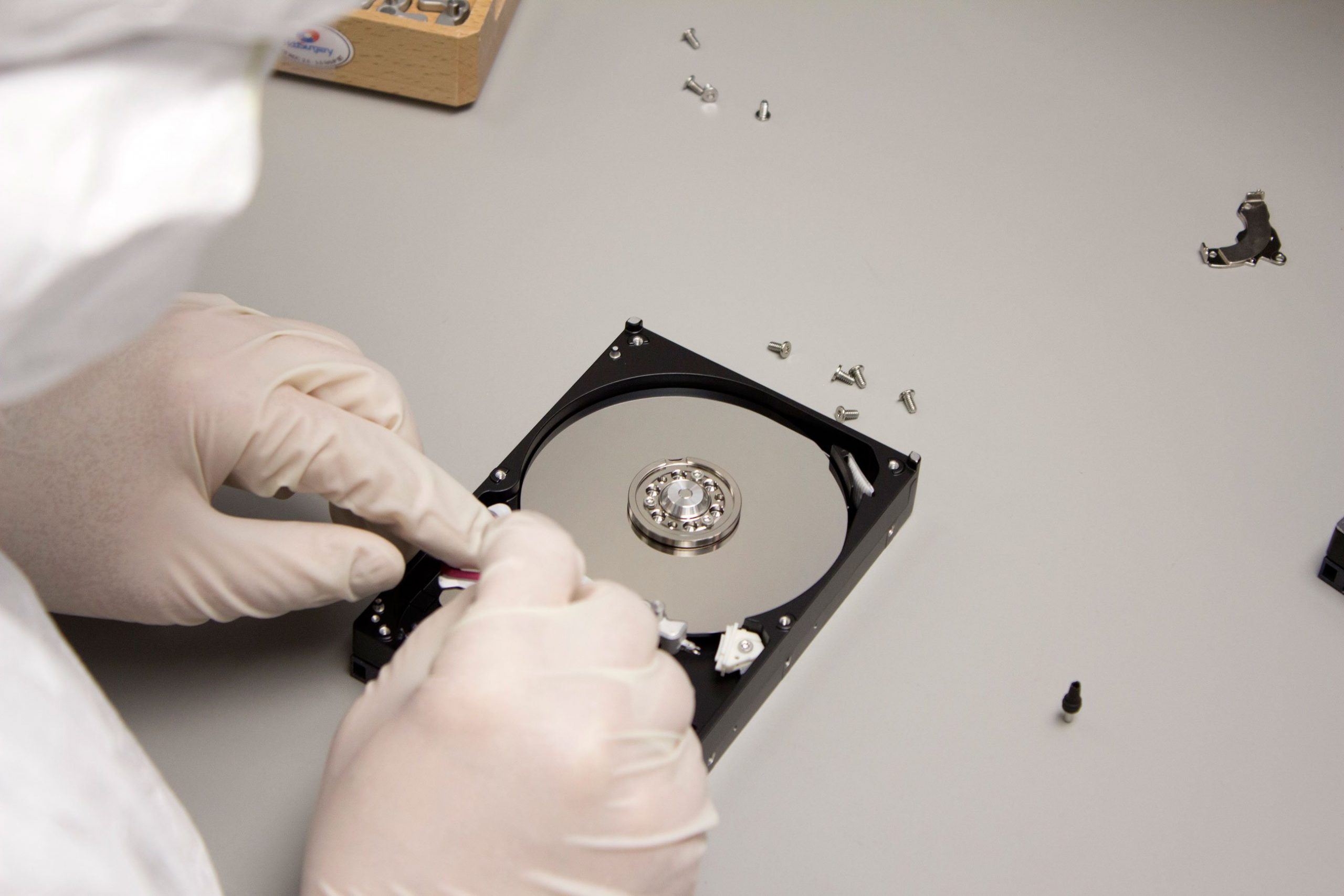
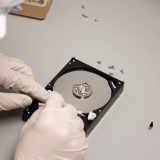
Hardware-Based Recovery: In cases where the storage device is physically damaged, hardware-based recovery techniques are used. This involves repairing the damaged components or extracting data directly from the device’s memory chips.
-
Remote Recovery: In situations where the data loss is due to a network or cloud storage issue, remote recovery techniques come in handy. This involves accessing the data remotely and copying it to a secure location.
Data Recovery Tools
There is a plethora of data recovery tools available, each with its own set of features and capabilities. Some tools are designed for specific types of data loss, while others offer a more comprehensive approach. Here are a few tools that every computer nerd should have in their data recovery arsenal:
-
TestDisk: A powerful open-source tool for recovering lost partitions and fixing filesystem issues on a wide range of storage devices.
-
PhotoRec: Another gem from the makers of TestDisk, PhotoRec specializes in recovering lost photos and other multimedia files from digital cameras and storage devices.
-
R-Studio: A professional-grade data recovery tool that supports a wide range of file systems and storage devices, making it ideal for complex data loss scenarios.
Conclusion
Data recovery is a crucial aspect of computer maintenance and data security. By understanding the importance of data recovery, familiarizing yourself with different recovery techniques, and having the right tools at your disposal, you can ensure that your precious data is always safe and sound. So the next time disaster strikes and you find yourself facing a data loss situation, don’t panic – just remember that data recovery is your best friend in the realm of computer nerdery.
Happy recovery, fellow nerds! Stay safe, stay geeky, and keep your data backed up!