
Deciphering the Mysteries of Data Recovery

Hello, fellow computer enthusiasts! Whether you’ve accidentally deleted that super critical file or experienced the unthinkable – a complete system crash (yes, we’ve all been there), understanding data recovery can be your shining armor-at-the-ready at such times of crisis. This post will break down the intimidating (but fascinating) world of data recovery in a language we all understand. Hold on to your binary hats, it’s time to dive in!
What is Data Recovery?
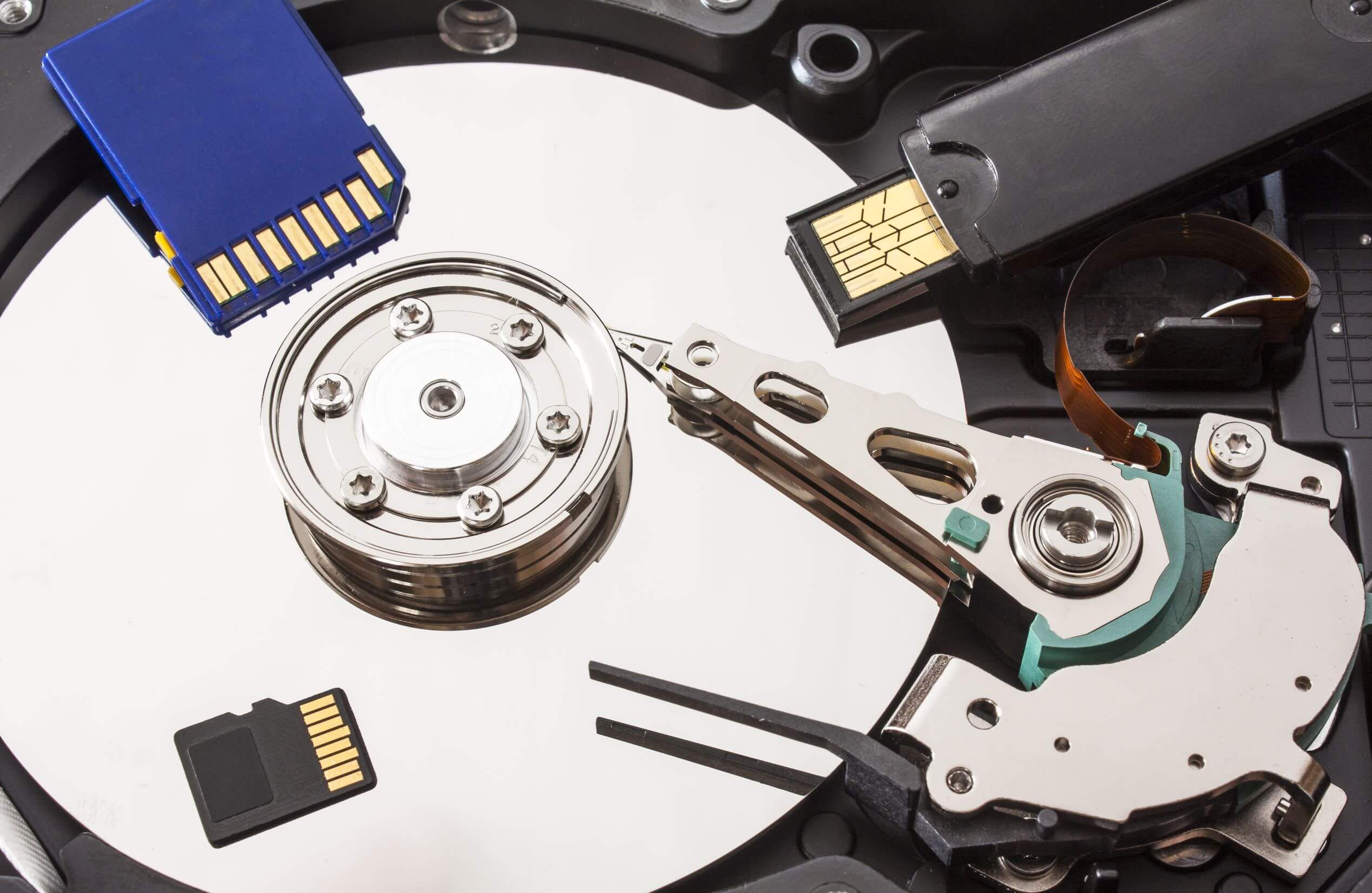
Data recovery, at its core, is the method of retrieving inaccessible, lost, corrupt, or formatted data from any storage medium when it cannot be accessed normally. Whether it’s a hard disk drive, an SD card, or even your beloved smartphone, if it stores data (which in this day and age, means just about everything), data recovery pertains to it.
Why Does Data Become Unrecoverable?
This is where it gets juicy! For the most part, data is made inaccessible due to some form of physical damage to the storage medium (like your disk drive crashing) or logical damage to the file system (like software that’s gone rogue).
Various factors can cause physical damage – malfunctioning of the read/write head, scratched disk platters, moisture, and so on. Logical damage may be due to power outages, corrupted software, or suddenly switching off your computer (the horror!). Effectively, it means that the structure of your file system is altered, making your data inaccessible.
How Do We Recover Lost Data?
Data recovery relies on the fact that when you delete a file (not permanently) or when your system is damaged, your data isn’t wiped out immediately. Instead, it’s just marked for deletion, meaning that space can be reused to store something else. In other words, the part of your data remains nestled in your drive until overwritten by something new. And this is where data recovery software or services come into play!
There are numerous software tools available that can help you recover your lost data. These typically scan your device for remnants of data marked for deletion, put these pieces together and voila – your data is recovered. However, there are no guarantees, so always remember – backup is your best friend!
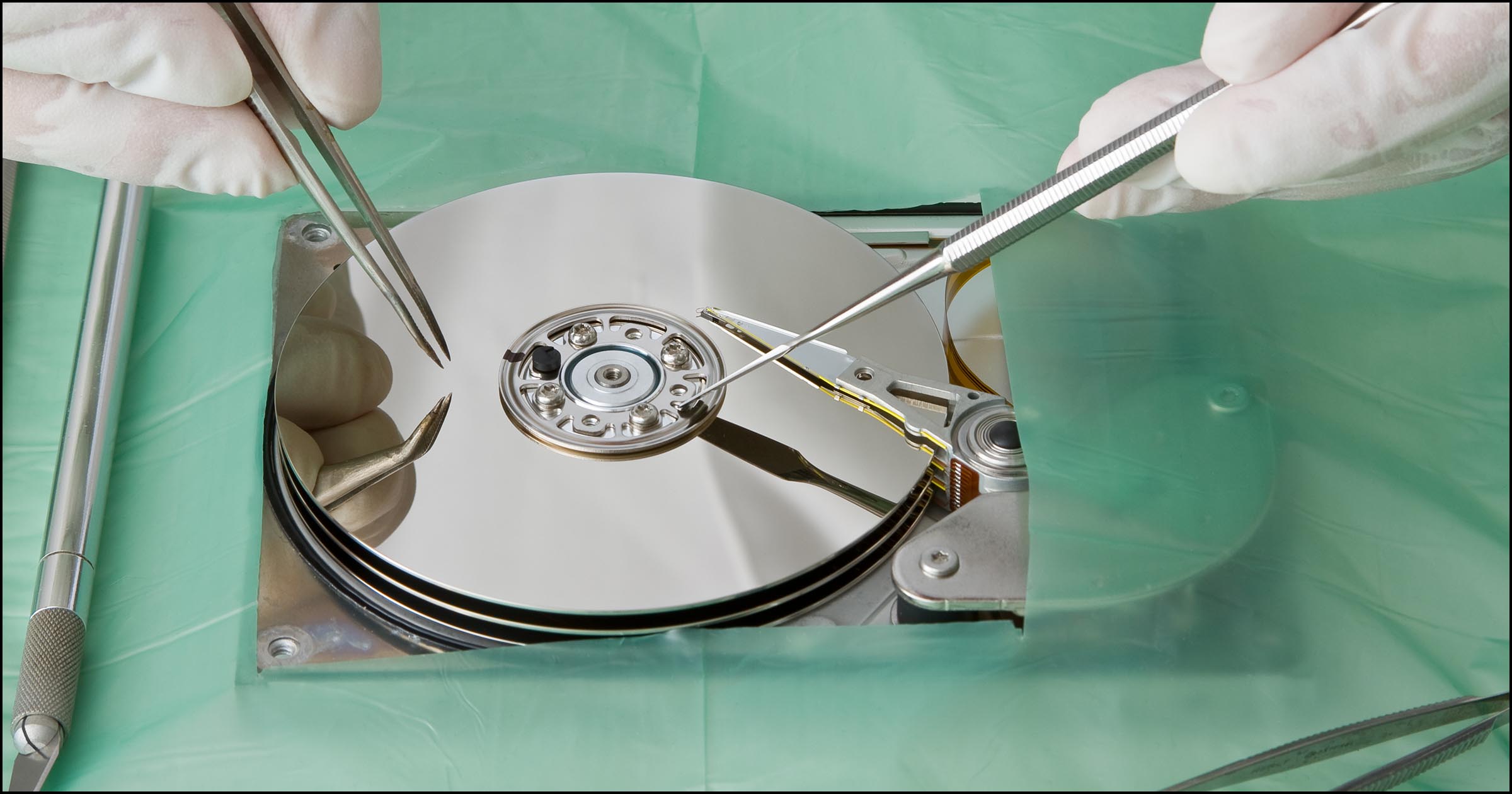
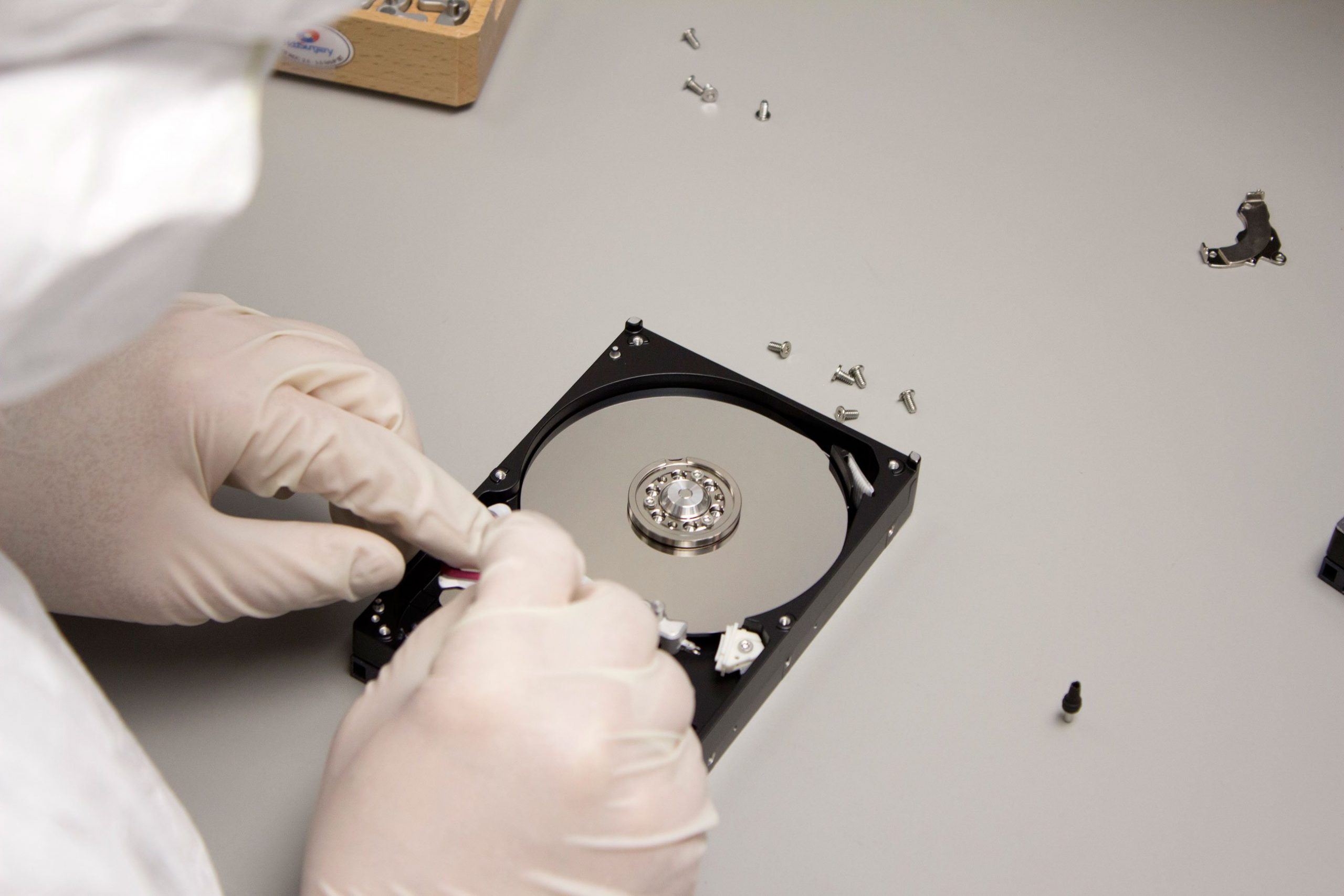
For cases of severe physical damage – you may need professional help. Reputable data recovery services examine your damaged device in a known-good environment (typically a clean room), recover data to a safe medium, and repair the device if required.
The Dos and Don’ts of Data Recovery
Even before you make use of any data recovery software or service, there are a few tricks up the computer wizard’s sleeve that you need to keep in mind:
- DO NOT write to the disk that has lost data. This keeps the chances of overwriting the data to a minimum.
- DO try using software recovery tools first (but choose wisely, remember to go for trusted sources to minimize the risk of additional damage).
- DO remember to keep a solid backup strategy to prevent such data loss in the future. Regularly check on your backups to ensure they’re working fine.
- DON’T panic. Like all things tech, it’s a part and parcel of this universe!
Conclusion
Data recovery can be a lifesaver in sticky situations but it’s much smarter to prevent such occurrences in the first place. Having an efficient backup strategy is invaluable. Nonetheless, there’s no denying that understanding the smallest of details about data recovery enables you to take better precautions for that fateful day and allows you to rescue your beloved data effectively if and when the need arises.
Remember, in the world of data, nothing ever is truly lost. It just requires the right tools and, of course, a touch of nerdiness to bring it back to life!