
The Jargon-Free Guide to Data Recovery – Unraveling The Mystery

Hello fellow tech-heads! If you’re like me, data is your bread and butter. The basics might bore us, but they remain essential. So why not delve into the nooks and crannies of one of our most precautionary tasks – data recovery.
Data recovery isn’t simply a valuable part to our toolkit, but an art form we need to master to keep up with the increasing data usage trends. So let’s buckle up as we predictably “un-delete” knowledge about data recovery!
Part I – Understanding Data Recovery
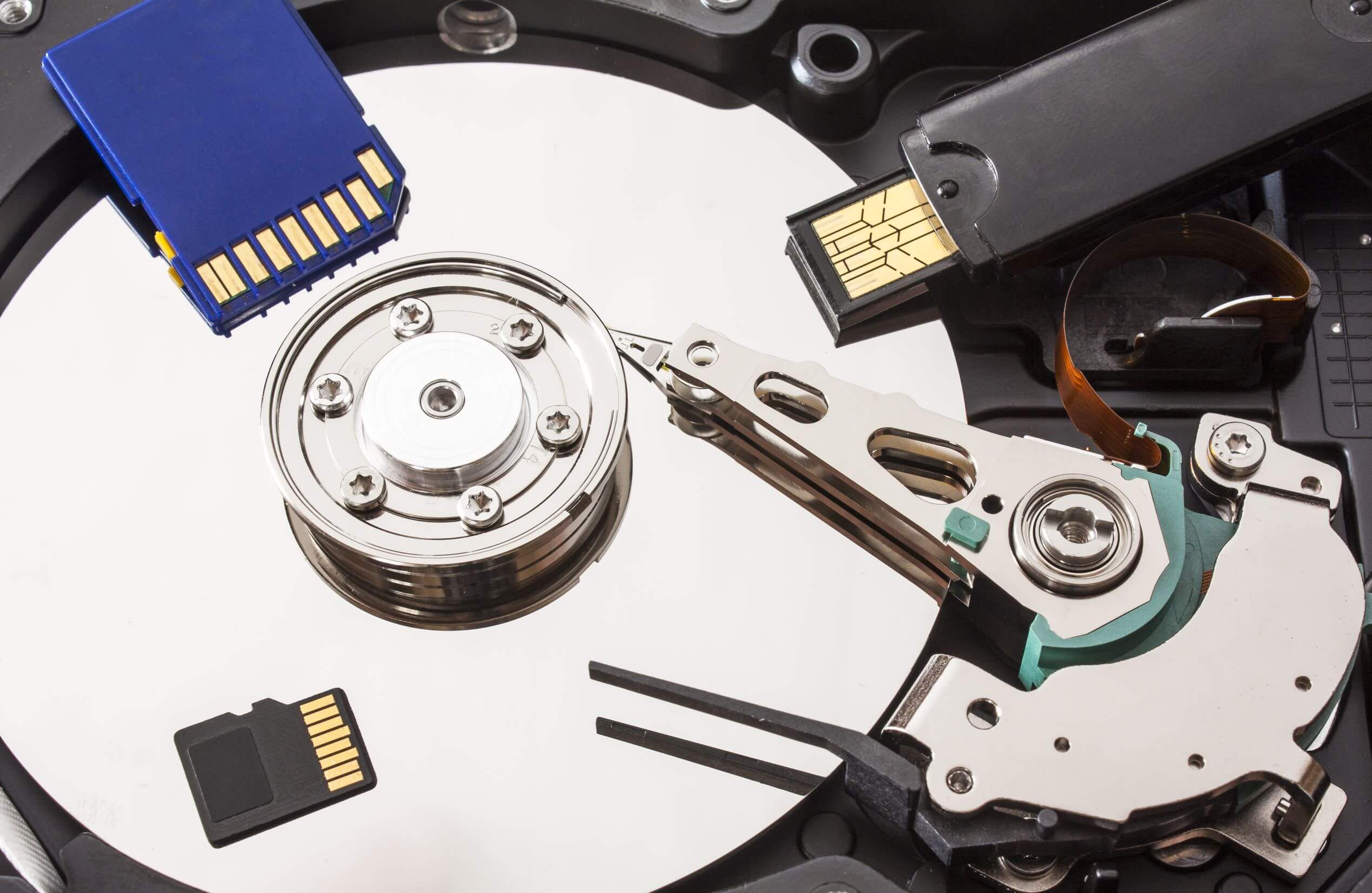
So what exactly is data recovery? In the most basic terms, it involves retrieving data from damaged, failed, corrupted, or inaccessible storage mediums. That can be anything from your regular hard drives and SSDs, to Optical storage like CDs and DVDs, and even cloud storage.
Why Does Data Matter?
Call it melodramatic, but our world literally runs on data and information. Looking at a simple file, for instance, the document you’re typing in right now. The term “file” masks the intricate system of bits and pieces of information that reside in your computer’s storage media, vigilantly waiting to be called to action.
When you save a file, your operating system pinpoints a location for the file on your storage media and maintains a record of it. Essentially, to your OS, a file is just an address. When the file is “deleted”, the OS forgets this address. However, the file still exists until the location is overwritten by other data. This understanding is the fundamental brick in the arch of data recovery.
Part II – Tools of the Trade
There are loads of data recovery tools available in the market, both premium and freeware.
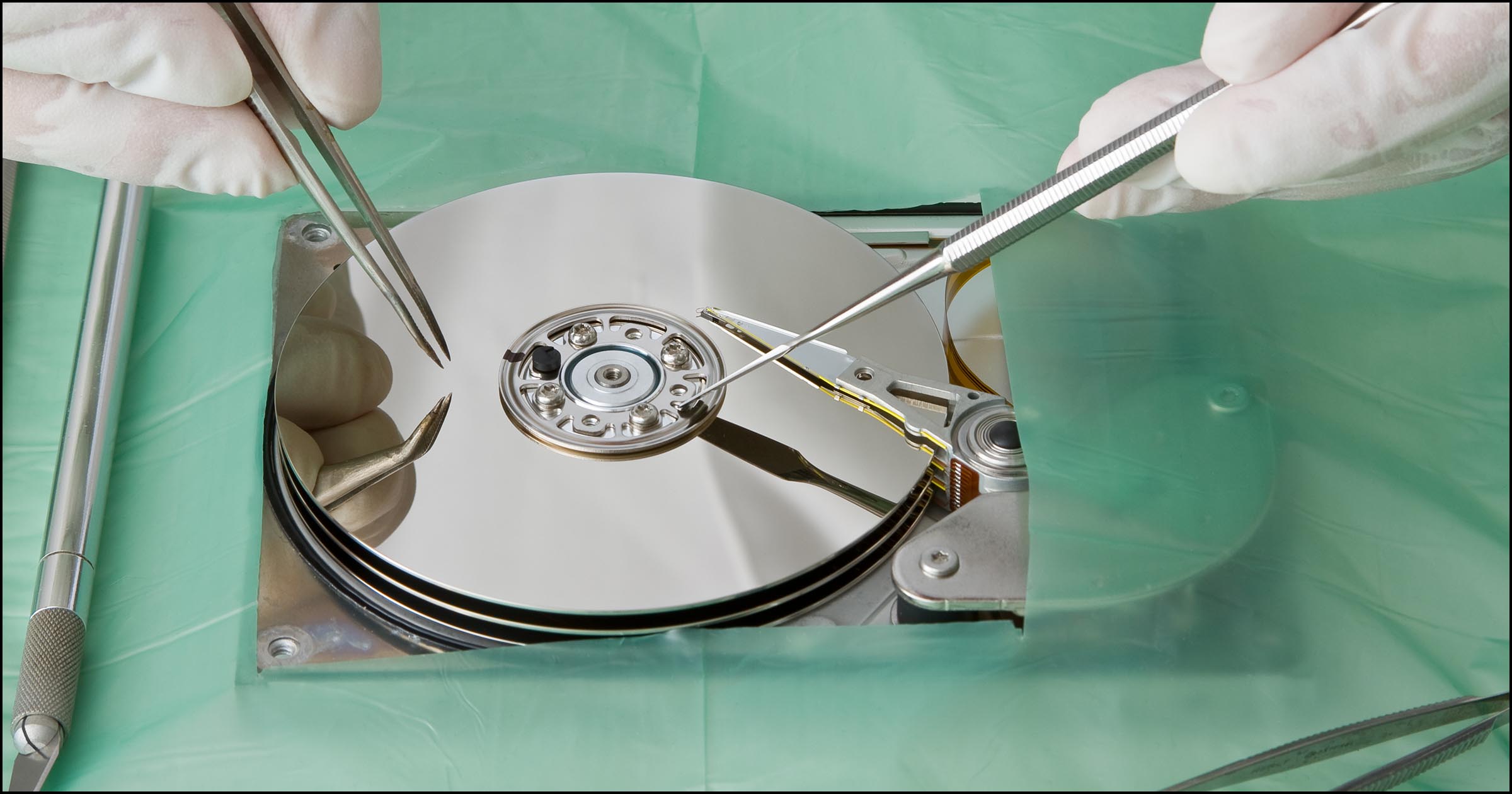
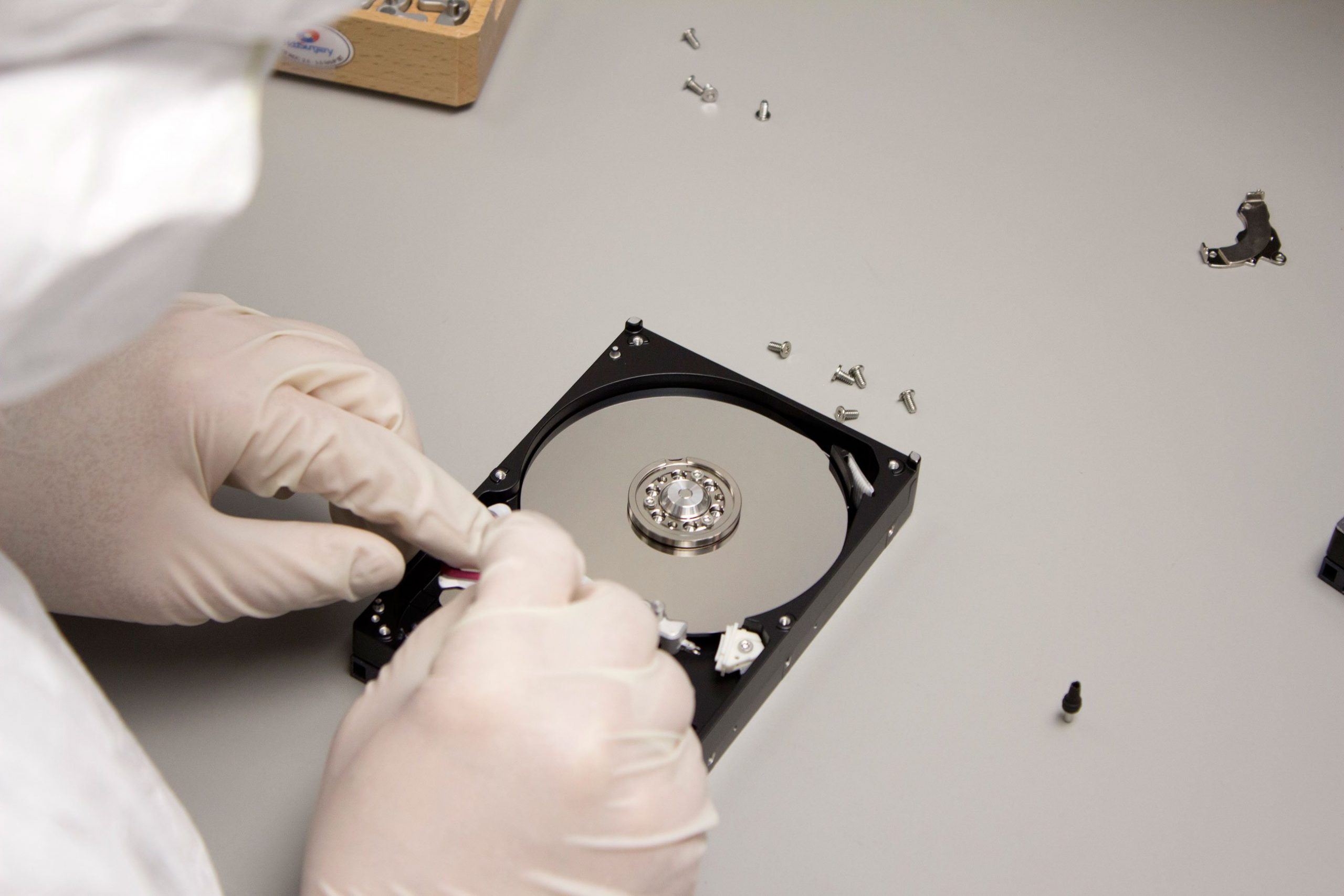
For quick recovery tasks of accidentally deleted files, tools like Recuva have got your back. For the more solemn occasions, where you’re dealing with corrupted partitions, formatted drives, or physically damaged media, you might need to pull out the big guns with tools such as DMDE or R-Studio.
Part III – Getting Started with the Recovery Process
-
First things first, Don’t Panic – Panicking can often result in rash decisions. Remember, as long as the storage media isn’t physically damaged and data hasn’t been overwritten yet, there’s hope.
-
Ensure No Further Damage – An often overlooked, but crucial step, is to ensure that no further damage occurs. Stop using the affected equipment immediately to avoid overwriting data.
-
Create an Image – Always create a binary backup of the storage media. This process is like taking a snapshot of the data present on the drive, which can be helpful if recovery efforts fail on the original media.
-
Start the Recovery – Use your data recovery tool of choice and scan the respective storage media. After the scan, you should see a list of recoverable files. Identify the files you wish to recover, select a safe destination for the recovered data, and let the software do its magic.
Conclusion
The ability to effectively recover data is an essential tool in any tech enthusiast’s cadre. Given the ephemeral nature of digital data, it’s important that we know how to retrieve proverbial needles from digital haystacks. After all, when it’s a choice between staying in oblivion or seeing the light of ‘byte’, we know which side we’d pick.
So, the next time someone yanks their SD Card out of their laptop destroying their latest blog post, fear not! With data recovery knowledge under our belts, we have the power to turn them from a “Ctrl-Zombie” to a “Data Defender”. Let’s continue unravelling the not-so-hidden mysteries of the cyber realm, and as always, keep feeding your curiosity. Happy computing!