
A Deep Dive into Data Recovery: The Lifeline for Computer Nerds

Hey tech aficionados, it’s always good to meet again. Today, we’re gonna traverse the fascinating domain of data recovery. Now, whether you’re an ardent computer buff or a casual user, we’ve all encountered that heart-sinking moment when an important file disappears into the abyss. But fear not! The digital realm holds many secrets, and remarkably, lost data isn’t always truly lost.
Data Recovery, Act One: What is it?
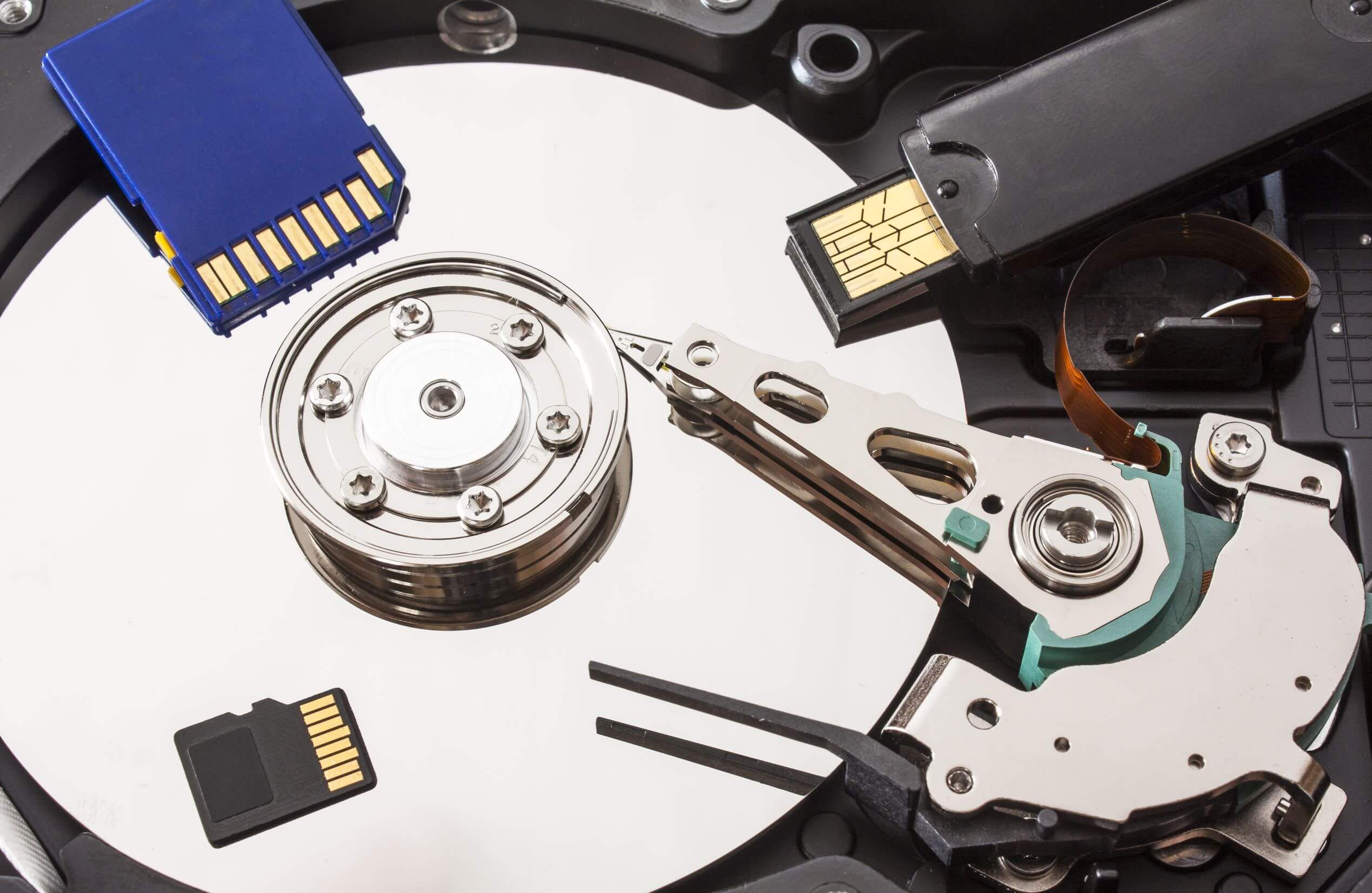
Just like superheroes swooping in to save the day, data recovery comprises techniques and tools — our superpowers, you might say — designed to retrieve inaccessible, lost, corrupted, or formatted data from storage media. We’re talking hard drives, SSDs, USBs, or other electronic devices. Whether the villain of the story is a hardware/software failure, accidental deletion, or ghostly data corruption, data recovery is the beacon of hope, the last resort when regular data access methods fail.
Deciphering Data Loss
Let’s talk about data loss for a minute. It’s usually categorized into two types: logical and physical.
Logical data loss: This happens when the system can’t read the data due to non-mechanical reasons. Ever deleted files accidentally? Yep, you’ve suffered logical data loss.
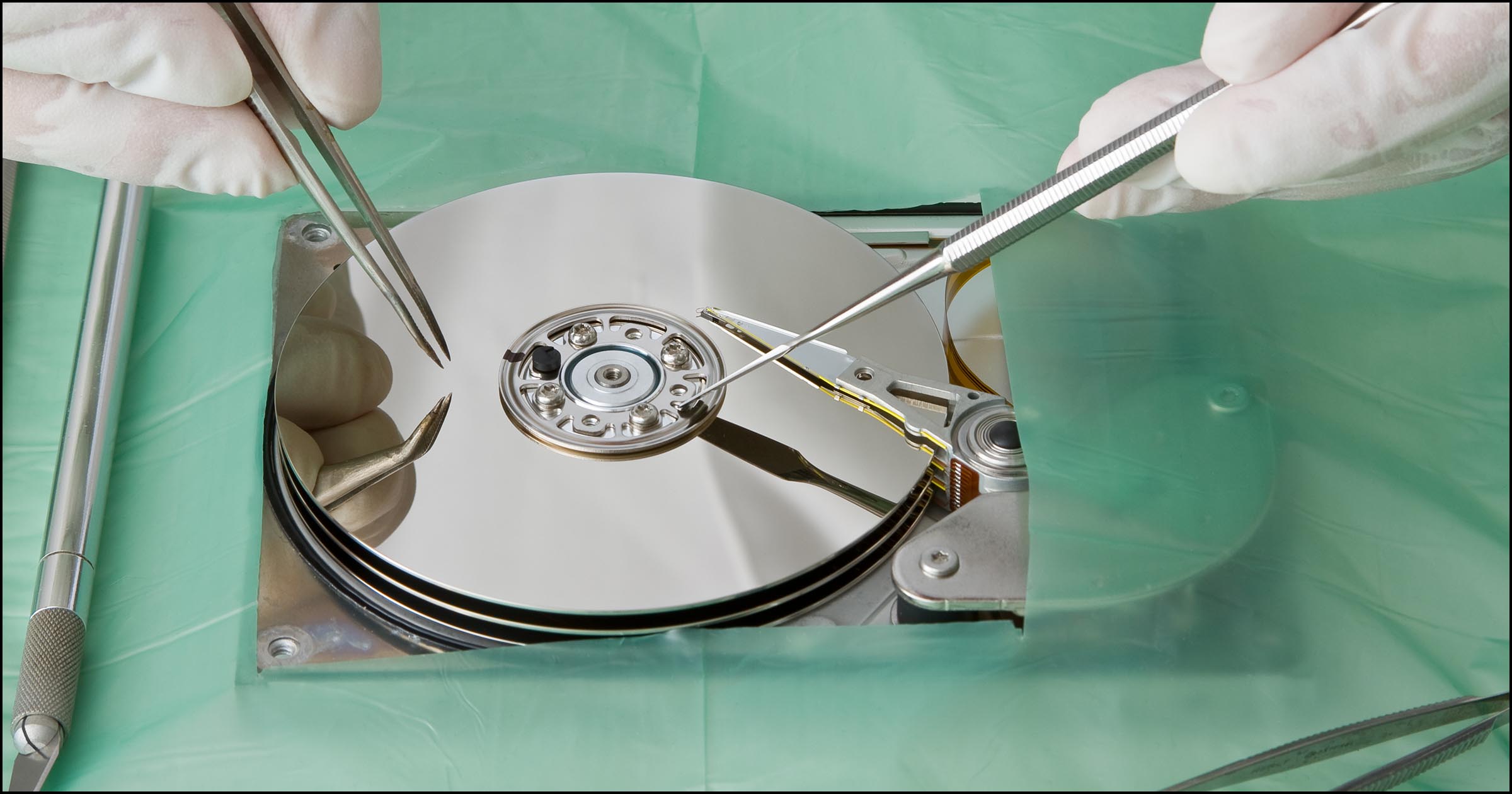
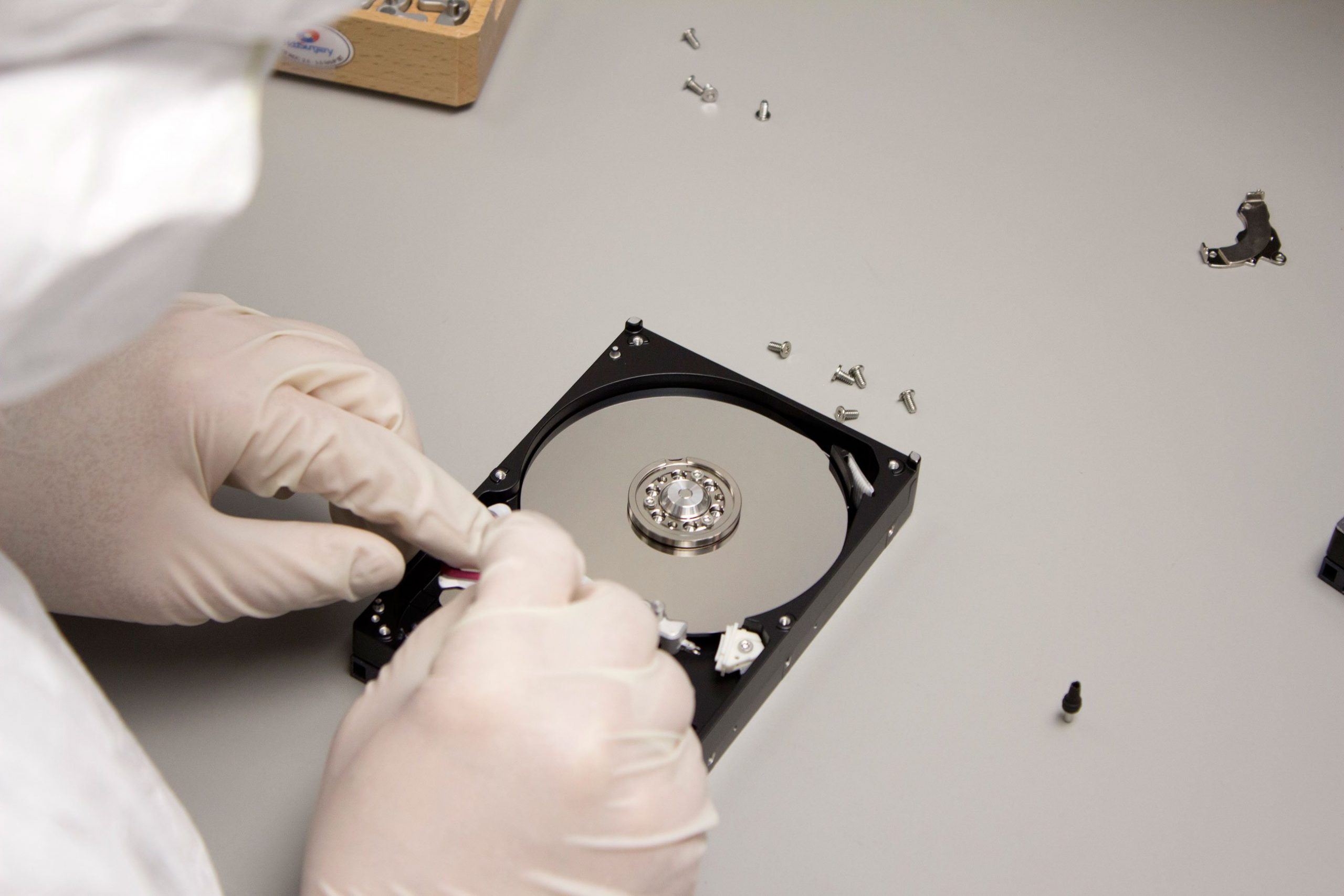
Physical data loss: This involves mechanical or physical issues in the data storage device. If your computer was caught in a flood or your hard drive crashed, then you’ve entered physical data loss territory.
Interestingly, while physical data loss necessitates taking the hardware to a professional (unless you’re Tony Stark), you can generally recover from logical data loss using — you guessed it — data recovery software!
Tools of the Trade
“Which software do I need?” you ask. Well, let me introduce you to a few heavy hitters in the realm of data recovery.
- Recuva: A free, user-friendly tool that recovers lost or accidentally deleted files. This potent software comes with an optional deep scan mode that scrutinizes the nooks and crannies of your drive for traces of deleted files.
- Stellar Data Recovery: Sophisticated yet accessible, Stellar rebounds data from formatted hard drives, partitions, and even optical media. Pro tip for photography enthusiasts: it also uniquely recognises RAW file formats!
- EaseUS Data Recovery Wizard: Despite its cheerful name, this tool bravely ventures into conditions others balk at — like recovering data from RAID storage and servers. Plus, you can preview files before recovery — pretty neat, right?
Navigating the Battlefield: Best Practices
Remember, comrades, the data recovery process can feel like a high-stakes adventure. Follow these pro tips to ensure a smooth journey:
- ✋ Stop using the device immediately after data loss. This reduces the risk of overwriting lost data.
- 🧪 Always test recovery methods on another device before employing them on the original.
- 😷 If dealing with physical damage, use a clean room or professional service to avoid further harm.
To Infinity and Beyond
Data recovery has come a long way, evolving with the technological landscape to empower users with previously unthinkable recovery capabilities. The situation’s not so dire anymore when you get the blue screen of death, right?
It’s always a good idea to regularly back up your data (yes, I’m nagging now), but even if you slip up, this exploration into the data recovery realm hopefully illuminates the path back. Remember to tread thoughtfully, use the right tools, and you’ll have those missing files in the bag in no time.
Until our next digital adventure, nerds! Keep those keyboards clacking and screens lit as we geek out over all things tech.