
Demystifying Data Recovery: A Nerd’s Guide

As computer geeks, we often get lost in the fascinating world of data. Be it understanding the mathematical intricacies of algorithms, tackling bugs in endless lines of code, or just marveling at the seamless design of modern websites. But have you ever stopped to wonder what would happen if all the data you’ve been working so tirelessly on were to vanish all at once? Terrifying, isn’t it? Fret not, because data recovery is at your service.
In this post, we will delve into the intricacies and applications of data recovery. Buckle up, as we are about to embark on a journey into the enigmatic world of lost data, and the tools and techniques to retrieve it.
What is Data Recovery?
Data recovery, as the name suggests, is the process of retrieving inaccessible, lost, or corrupted data from secondary storage, removable files, or media when the data stored in them can’t be accessed in a normal way. Often, when important data gets lost due to accidental deletion or a system error, data recovery becomes the hero we all need but seldom appreciate.
How Does Data Recovery Actually Work?
Now, let’s get down to the nitty-gritty of the process. Whether it’s an accidental press of the delete key, a pesky virus, or a system crash, it may appear as if the data is gone for good. But that’s seldom true, thanks to how data storage works. When a file is deleted, it isn’t immediately wiped away from the system. Instead, the space it occupied is merely marked as available to be overwritten.
This is exactly where data recovery software steps in. These tools scan your hard drive, identify these “available” spaces, and reconstruct your files – provided they haven’t been overwritten by new data.
Types of Data Recovery
Data recovery isn’t a one-size-fits-all solution. Depending on the permutations and combinations of file systems, types of data loss, and the available technology, data recovery can take many shapes.
1. Software Recovery: This is the most common recovery method which is used when data is accidentally deleted or lost due to logical failures or user errors. Software recovery tools like Recuva or EaseUS can help retrieve lost data in these cases.
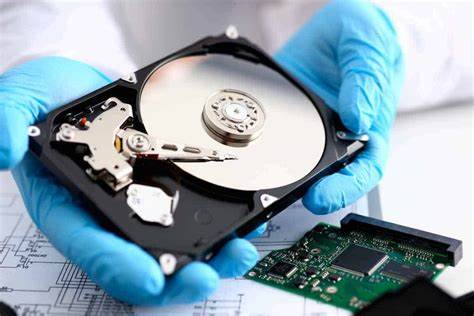
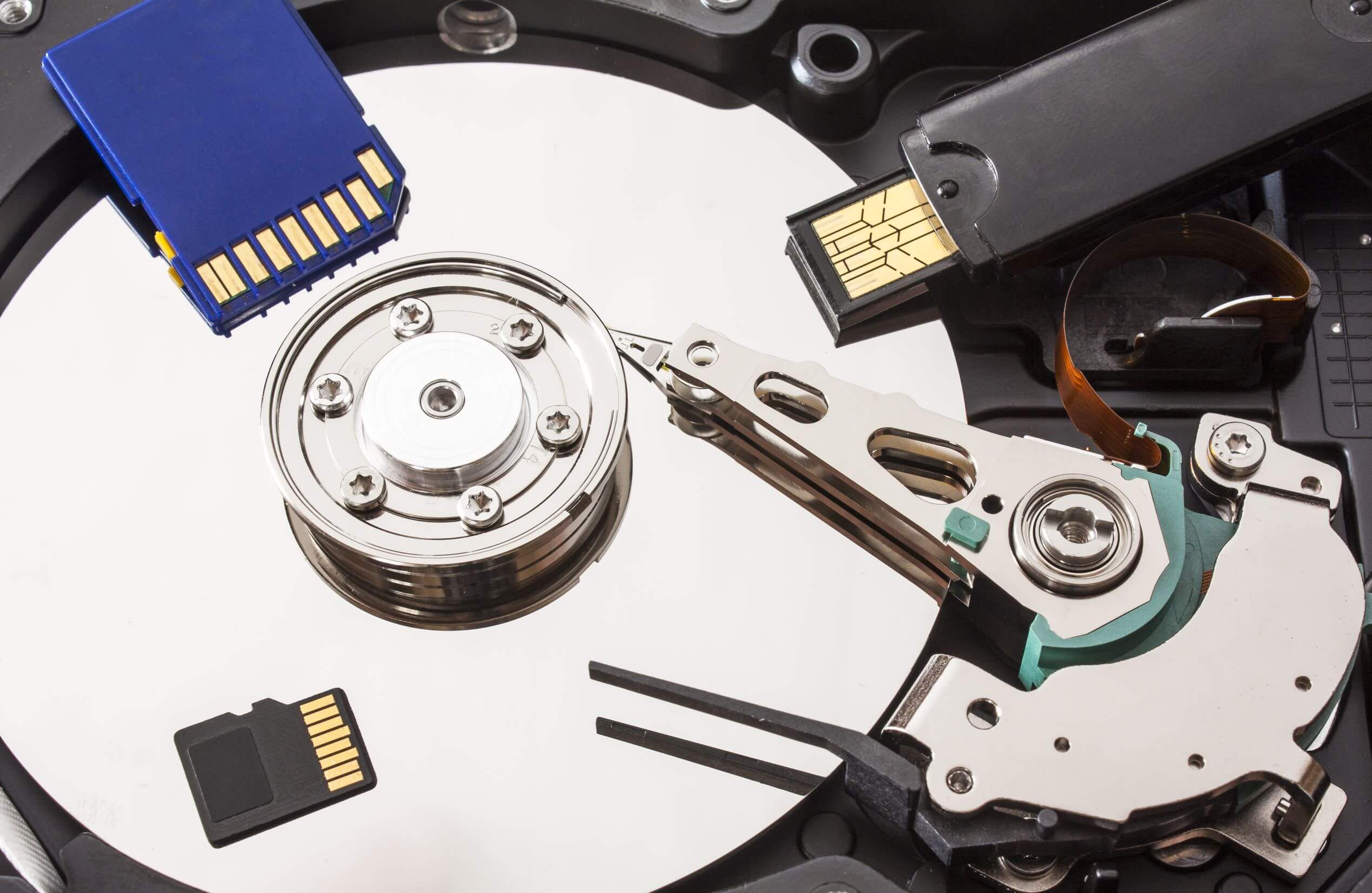
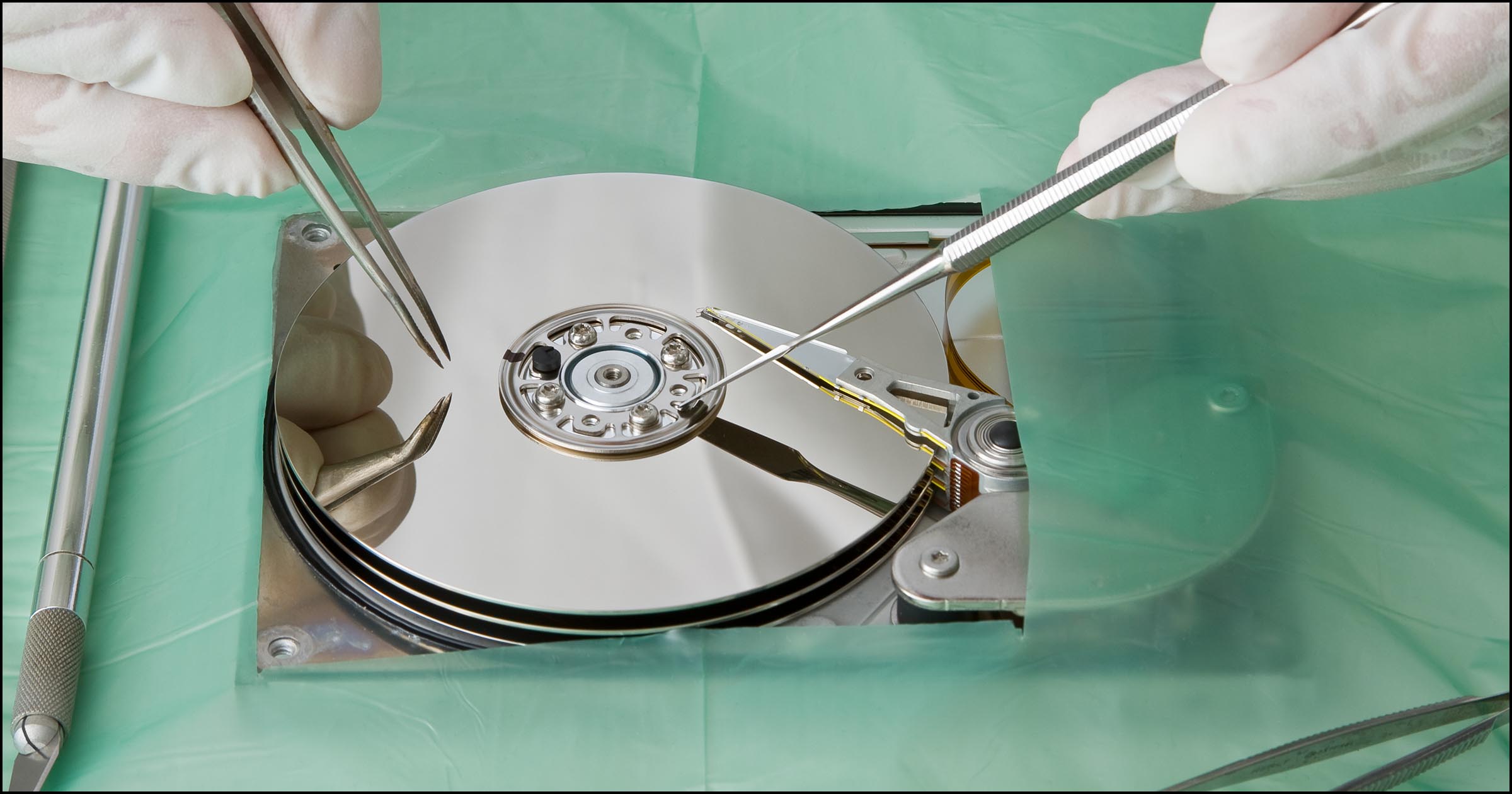
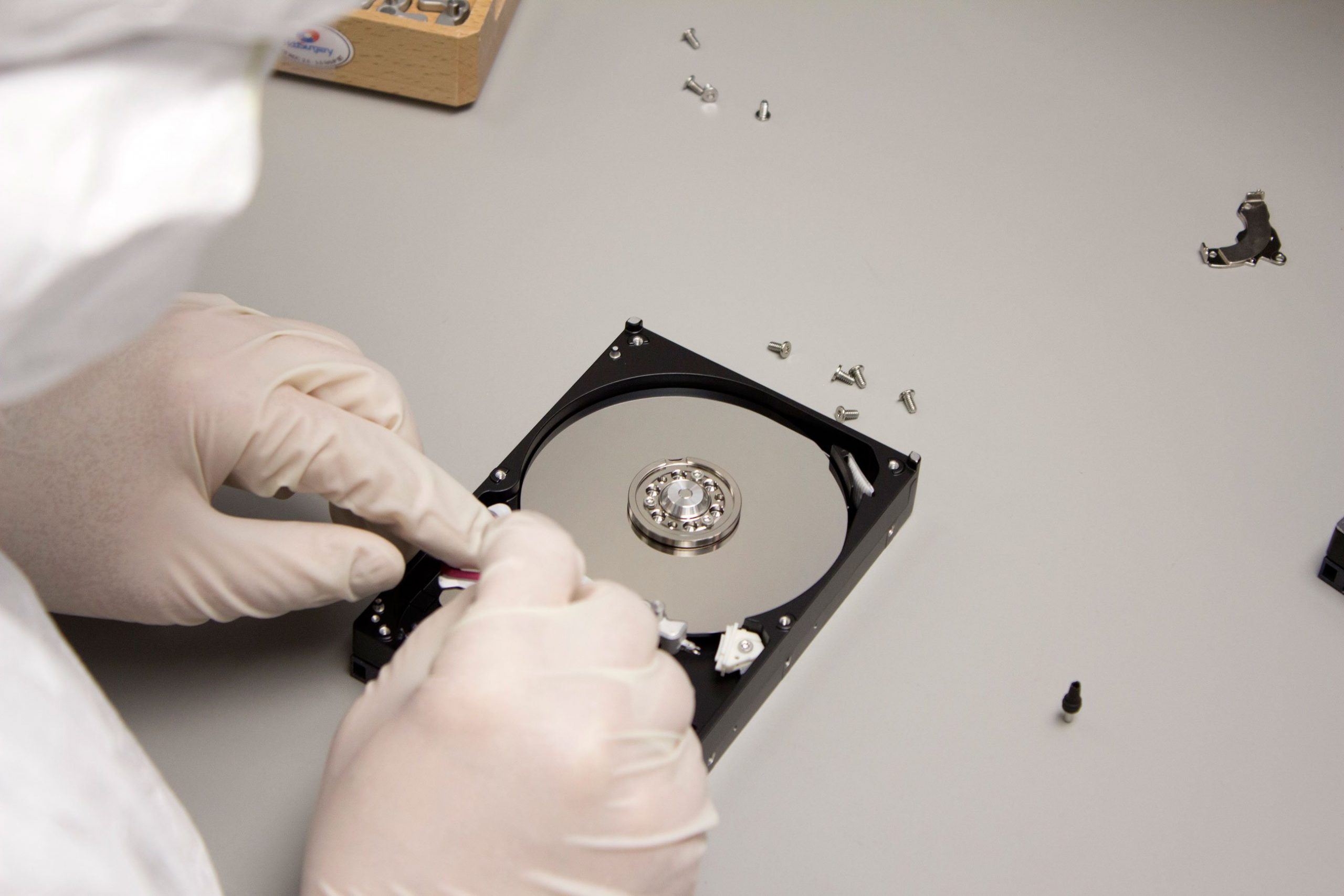
2. Hardware Recovery: This method is utilized when there’s any physical damage to the storage media. In these cases, purely software solutions aren’t enough. Hardware recovery often involves the painstaking process of manually reconstructing data, bit by bit.
3. Professional Data Recovery Services: These services are for cases that are beyond the realm of do-it-yourself actions. Massive data loss, severe physical damage, or complex RAID arrays are best treated by professionals.
Backup – The Best Data Recovery Method
The best solution to data loss is, undoubtedly, frequent backups. Regularly backing up data minimizes the risk of losing valuable information and offers peace of mind. Good backup practices involve keeping multiple copies of data, storing it on different media, and keeping the backups offsite.
Conclusion
Data loss can be a nightmare, especially if you spend a great deal of time and effort dealing with data. However, it needn’t be this way. By understanding the underlying principles and methods of data recovery, you can turn this potential disaster into just another problem to be solved.
Remember, while data recovery tools are a great safety net, nothing beats a well-thought-out and implemented backup strategy. Protect your digital treasures, and they’ll serve you for years to come. After all, in the world of ones and zeroes, it’s better to be safe than sorry.
Here’s to always keeping our bits and bytes close! Until next time, fellow nerds!