Data Recovery: Simple But Important Things To Remember

Data loss can occur for many reasons—corrupted software, firmware issues, or even physical damage. While some of these situations can be resolved with data recovery software, others require professional intervention. Understanding the different types of data loss and recovery methods can save you time, money, and frustration.
1. Corrupted Software or File System Issues
Sometimes, a hard drive may appear as “unallocated space,” with no recognizable file system, but the data is still there. In such cases, the file system might be corrupted, and the data is essentially inaccessible. To recover this data, you can use a data recovery program like R-Studio.
Steps for Recovery:
-
Scan the Drive: R-Studio will scan the drive and identify which file system was previously in use.
-
Recover the Data: Once identified, you can pull the data off the drive.
-
Reformat the Drive: After the data is recovered, reformat the drive with the same file system as before, then transfer the data back.
Tip: If you already know which file system was used, you can skip the file system identification step, speeding up the recovery process.
2. Firmware Issues
If the problem lies with the firmware of the drive, the situation becomes more complex. A corrupted firmware may prevent your operating system from detecting the drive. In this case, you won’t be able to recover the data using basic recovery tools.
However, specialized tools like the Rapid Star Data Recovery Tool are designed to handle firmware issues and can read data off a drive with corrupted firmware. This tool can be a lifesaver when you suspect firmware corruption is the root cause.
3. Physical Damage to the Hard Drive
The most severe data loss situation involves physical damage to the drive, such as a malfunctioning read-write head. When this occurs, you might hear the infamous clicking and scratching sounds, signaling that the drive is struggling to read the data.
This repetitive clicking occurs because the drive’s read-write head can’t locate the starting point of the data, so it continually attempts to read but fails. When this happens, professional help is often necessary.
What Professionals Do:
-
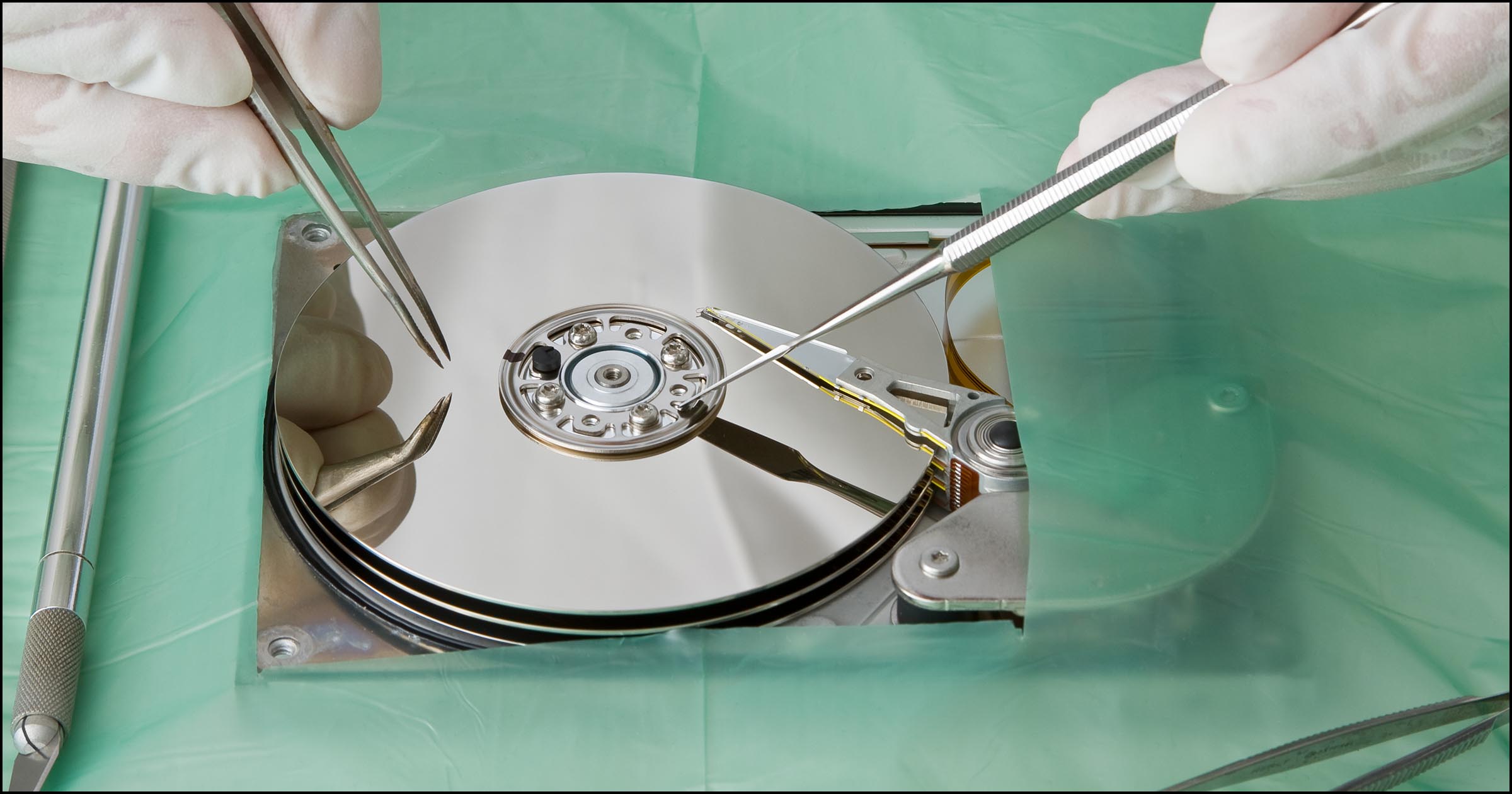
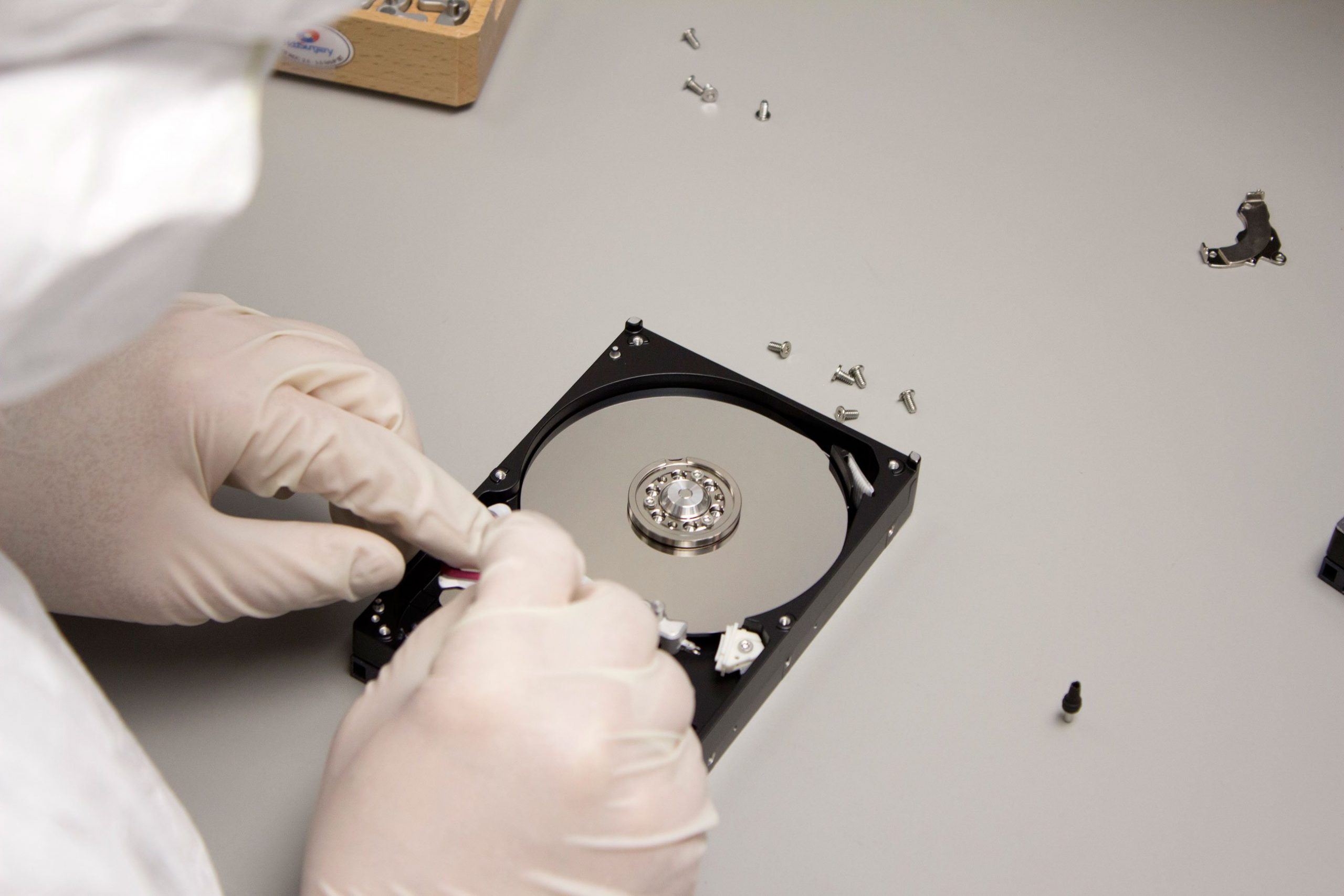
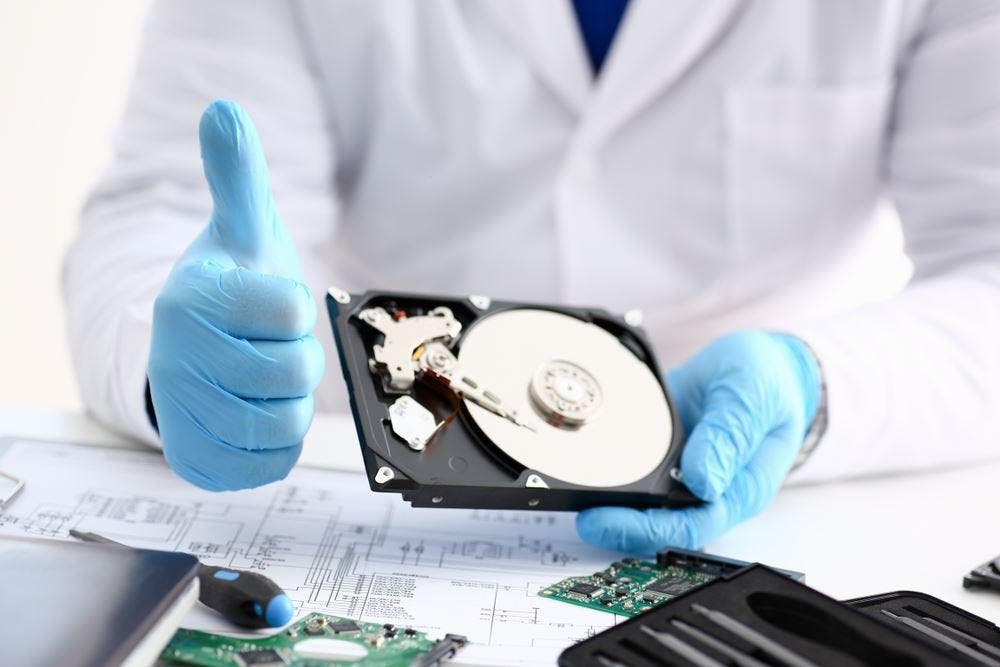
Disassemble the Drive: The drive is carefully opened in a clean room environment to prevent further damage.
-
Replace Faulty Parts: Professionals will replace any broken components, like the read-write heads, with parts from donor drives.
-
Bit-by-Bit Copy: Once the drive is functioning again, a bit-for-bit copy of the data is made onto a new drive.
-
Restore Your Data: After recovery, the customer receives the restored data on a new working drive.
4. Conclusion: Know When to Seek Help
While software solutions like R-Studio can recover data from corrupted file systems, more severe issues such as firmware corruption or physical damage require professional data recovery services. If your drive starts making clicking noises or other unusual sounds, it’s time to call in the experts. The key takeaway is to always have a backup plan to avoid the worst-case scenario.
By understanding these recovery methods and knowing when to seek professional help, you can increase your chances of successful data recovery and minimize the stress of losing important files.