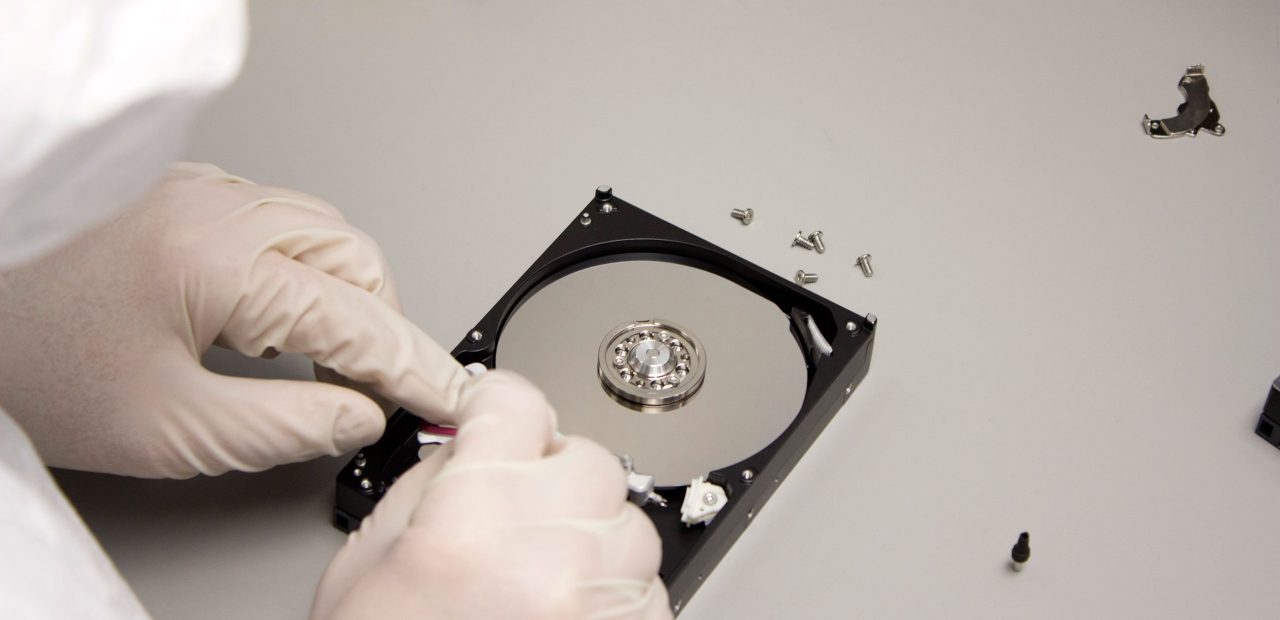
How To Data Recovery Services From A Hard Drive?

Hard drives are incredible tools for storing vast amounts of data, and they’ve come a long way with advancements in technology. But like all technology, hard drives don’t last forever. Whether it’s a software issue, accidental deletion, or a physical failure, losing access to your hard drive can be a stressful and alarming experience. Fortunately, there are ways to recover your data. In this article, we will discuss the various methods of recovering data from a hard drive, from simple DIY fixes to professional data recovery services.
Identifying the Problem with Your Hard Drive
Before diving into recovery options, it’s important to understand the nature of the issue with your hard drive. The problem can typically be categorized into:
-
Software Issues: These may involve system errors, corrupted files, or malware attacks.
-
Accidental Deletion: Sometimes files are accidentally deleted or overwritten, and you need to recover them.
-
Physical Damage: Mechanical issues like a failing motor, broken read/write heads, or damaged sectors can cause physical failure.
DIY Data Recovery: External Enclosure Method
If you suspect the issue is with your computer rather than the hard drive itself, a good first step is to remove the hard drive and place it into an external enclosure. This method can work for both traditional HDDs (Hard Disk Drives) and newer SSDs (Solid-State Drives). Here’s how to do it:
-
Remove the Hard Drive:
-
Open your desktop tower or laptop and carefully remove the hard drive.
-
Be sure to note the connectors and type of drive (SATA or IDE for HDDs, or SATA for SSDs).
-
-
Place the Drive in an External Enclosure:
-
Purchase an external hard drive enclosure that is compatible with your hard drive (HDD or SSD).
-
Insert your hard drive into the enclosure, making sure the connectors match up.
-
-
Connect to Another Computer:
-
Connect the external enclosure to another working computer via USB.
-
The hard drive should appear as an external drive in the file explorer, where you can then copy your files to a safe location.
-
Using Data Recovery Software
If you can’t access your files via the external enclosure method or if the hard drive is functioning but not displaying files, you can try using data recovery software. These programs are designed to recover lost or deleted files from hard drives, whether they are corrupted or accidentally erased.
Some popular data recovery software options include:
-
Recuva: A free and easy-to-use tool that can recover files from HDDs, SSDs, and USB drives.
-
EaseUS Data Recovery Wizard: A comprehensive tool that can recover data from a variety of storage devices, including hard drives, SD cards, and more.
-
Disk Drill: Known for its ability to recover data from both formatted and damaged drives, Disk Drill also has a feature for previewing files before recovery.
When to Consider Professional Data Recovery Services
If your hard drive has suffered physical damage or the DIY methods aren’t working, it may be time to turn to a professional data recovery service. Here’s why:
-
Severe Physical Damage:
-
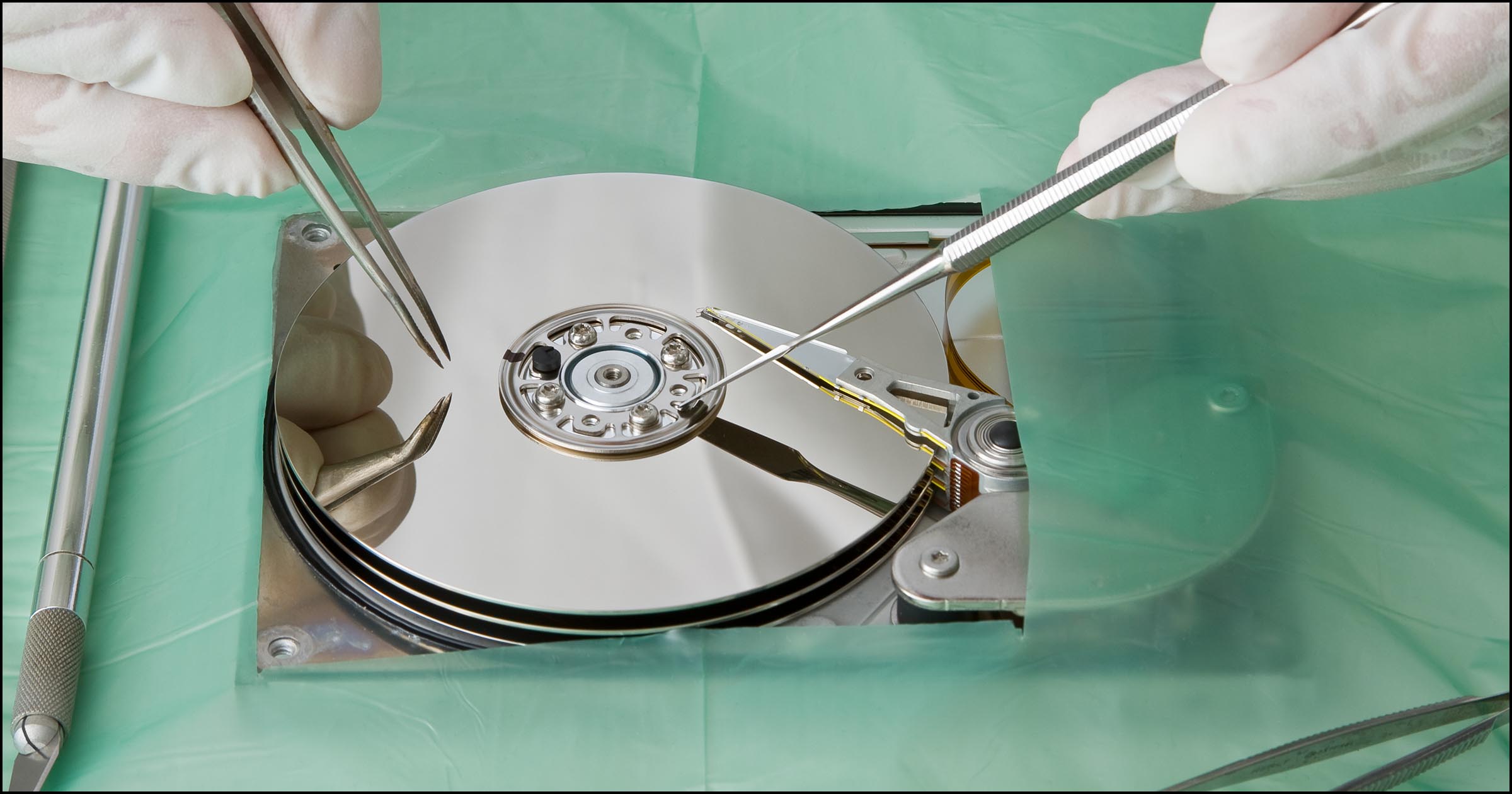
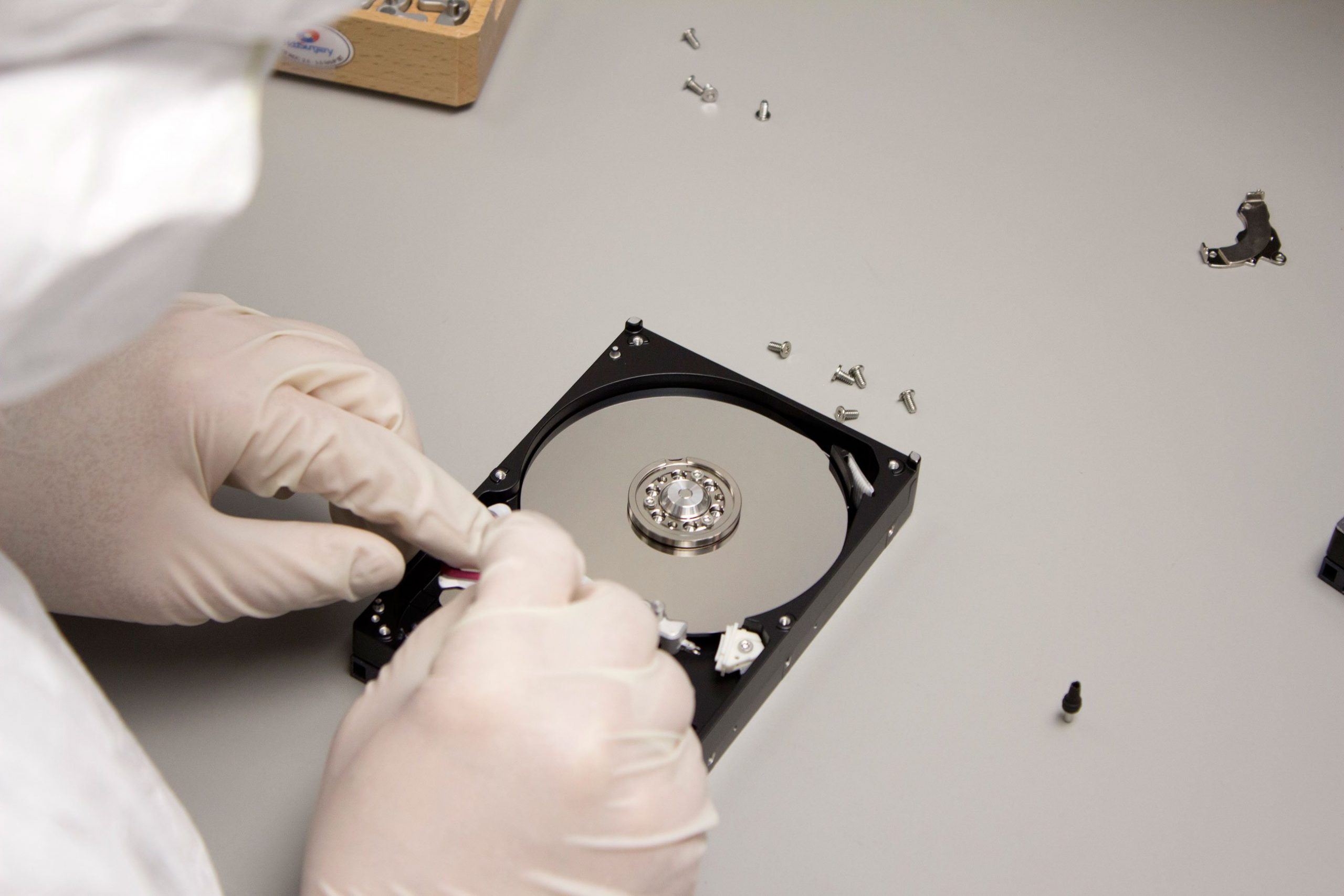
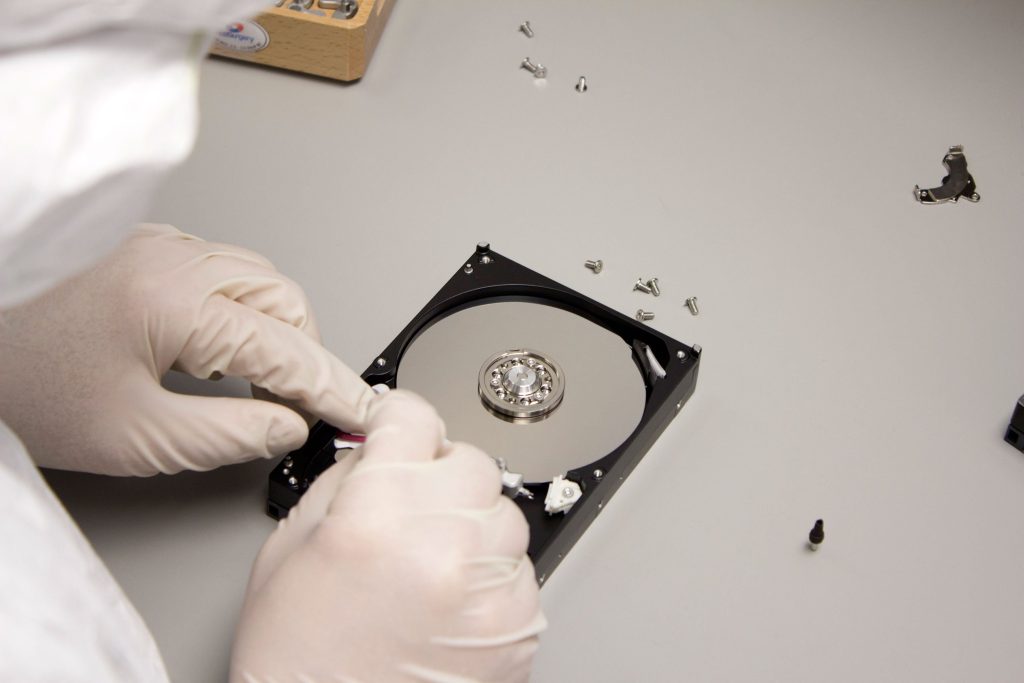
If your hard drive has mechanical failure, such as a broken spindle or damaged read/write heads, DIY methods may not be enough. Professional services can often repair or replace damaged components in a cleanroom environment to recover your data.
-
-
Complex Data Loss Scenarios:
-
In cases of severe corruption, RAID failure, or drive unresponsiveness, data recovery specialists can employ advanced techniques to recover lost data.
-
-
Better Chance of Success:
-
Professional data recovery companies have the tools, expertise, and environment to maximize the chances of retrieving your data safely and securely, particularly in cases of physical damage.
-
Choosing a Data Recovery Service
When selecting a data recovery service, consider the following factors:
-
Reputation and Reviews: Look for a service with positive customer reviews and testimonials to ensure reliability.
-
Experience with Your Type of Hard Drive: Some services specialize in specific types of drives (HDDs, SSDs, RAID arrays), so make sure they have experience with your type of data loss.
-
Pricing Transparency: Ensure the service offers a clear pricing structure, with no hidden fees. Many services will offer free diagnostics, but recovery costs can vary depending on the severity of the issue.
-
Data Privacy and Security: Ensure the service provider follows strict confidentiality and security protocols for handling your data.
Conclusion
Losing access to your hard drive can be a distressing experience, but it’s important to stay calm and explore your options. Whether you’re dealing with a software glitch, accidental deletion, or physical damage, there are several ways to recover your data. The DIY method of using an external enclosure can work well for minor issues, while software tools can help recover lost files. If these methods aren’t effective, professional data recovery services offer the expertise and specialized equipment needed to recover data from damaged hard drives.
Remember, the key to data recovery is acting quickly. The sooner you attempt to recover your files, the better chance you have of successfully retrieving your precious data. Don’t panic — recovery is possible!