
Data Recovery Tips for Computer Nerds

Hey there, fellow computer nerds! Have you ever experienced the gut-wrenching feeling of losing important data due to a computer crash or accidental deletion? I know I have, and let me tell you, it’s not a fun experience. That’s why in this blog post, I’ll be sharing some tips on data recovery to help you minimize the risk of losing your precious files and keep your digital life running smoothly.
Introduction to Data Recovery
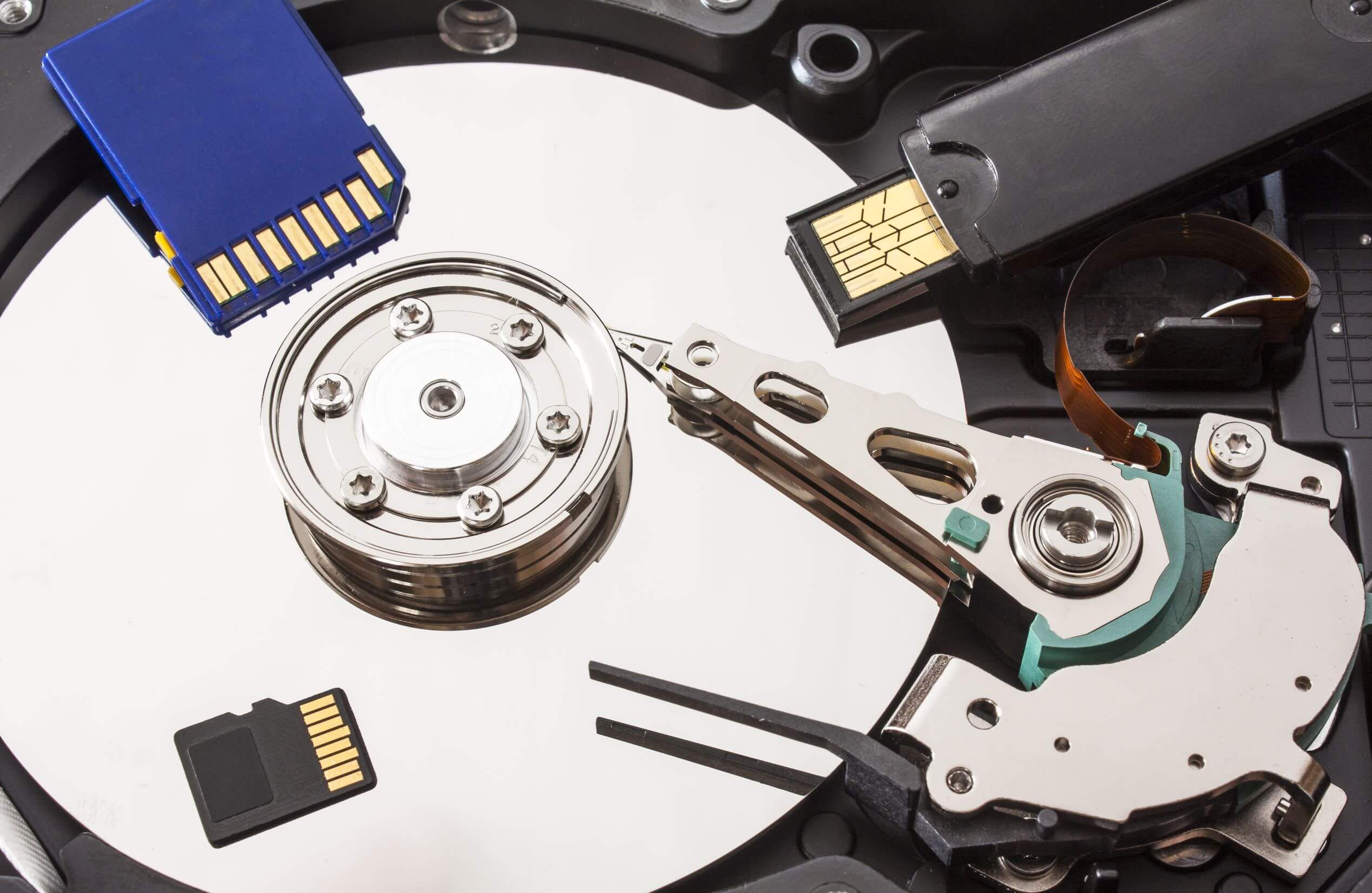
First things first, let’s talk about what data recovery actually is. Data recovery is the process of retrieving lost, damaged, or corrupted data from storage devices such as hard drives, USB drives, and memory cards. There are various reasons why data loss can occur, including hardware failure, accidental deletion, and malware attacks. Having a reliable data recovery plan in place is crucial to ensure that you can recover your files quickly and efficiently in case of an unexpected data loss event.
Backup Your Data Regularly
One of the most important steps you can take to prevent data loss is to back up your data regularly. By creating regular backups of your files, you can ensure that you have a copy of your data stored safely in another location in case something goes wrong with your primary storage device. There are many backup solutions available, ranging from cloud storage services like Google Drive and Dropbox to external hard drives and network-attached storage devices. Find a backup solution that works best for your needs and make it a habit to back up your data on a regular basis.
Use Data Recovery Software
In addition to backing up your data, having data recovery software on hand can also be a lifesaver in case you accidentally delete an important file or your storage device becomes corrupted. There are many data recovery tools available, both free and paid, that can help you recover lost data from various storage devices. Popular data recovery software includes Recuva, EaseUS Data Recovery, and Disk Drill. Make sure to research and choose a reputable data recovery tool that meets your specific needs and preferences.
Secure Your Data with Cybersecurity Measures
Cybersecurity is another crucial aspect of data protection, especially in today’s digital age where cyber threats are becoming increasingly sophisticated. By implementing cybersecurity measures such as antivirus software, firewalls, and encryption, you can help prevent malware attacks and unauthorized access to your data. Be mindful of phishing scams, malicious websites, and insecure Wi-Fi networks, and take proactive steps to secure your data from potential threats.
Data Storage Best Practices
When it comes to storing your data, following best practices can help ensure that your files are safe and secure. Avoid storing sensitive information on unsecured devices or in public cloud storage services, as this can pose a risk of data breaches. Opt for encrypted storage solutions and password-protect your files to add an extra layer of security. Regularly update your software and firmware to patch any vulnerabilities that could be exploited by cybercriminals.
Conclusion
In conclusion, data recovery is an essential aspect of maintaining the integrity of your digital files and protecting your data from potential threats. By following the tips outlined in this blog post, you can minimize the risk of data loss and ensure that your data remains secure and accessible at all times. Remember to back up your data regularly, use data recovery software as needed, implement cybersecurity measures, and follow best practices for data storage. With these strategies in place, you can rest assured that your digital life is in good hands.
So, fellow computer nerds, let’s take proactive steps to safeguard our data and keep our digital world running smoothly. Happy computing!